
 Zombie AI Video Team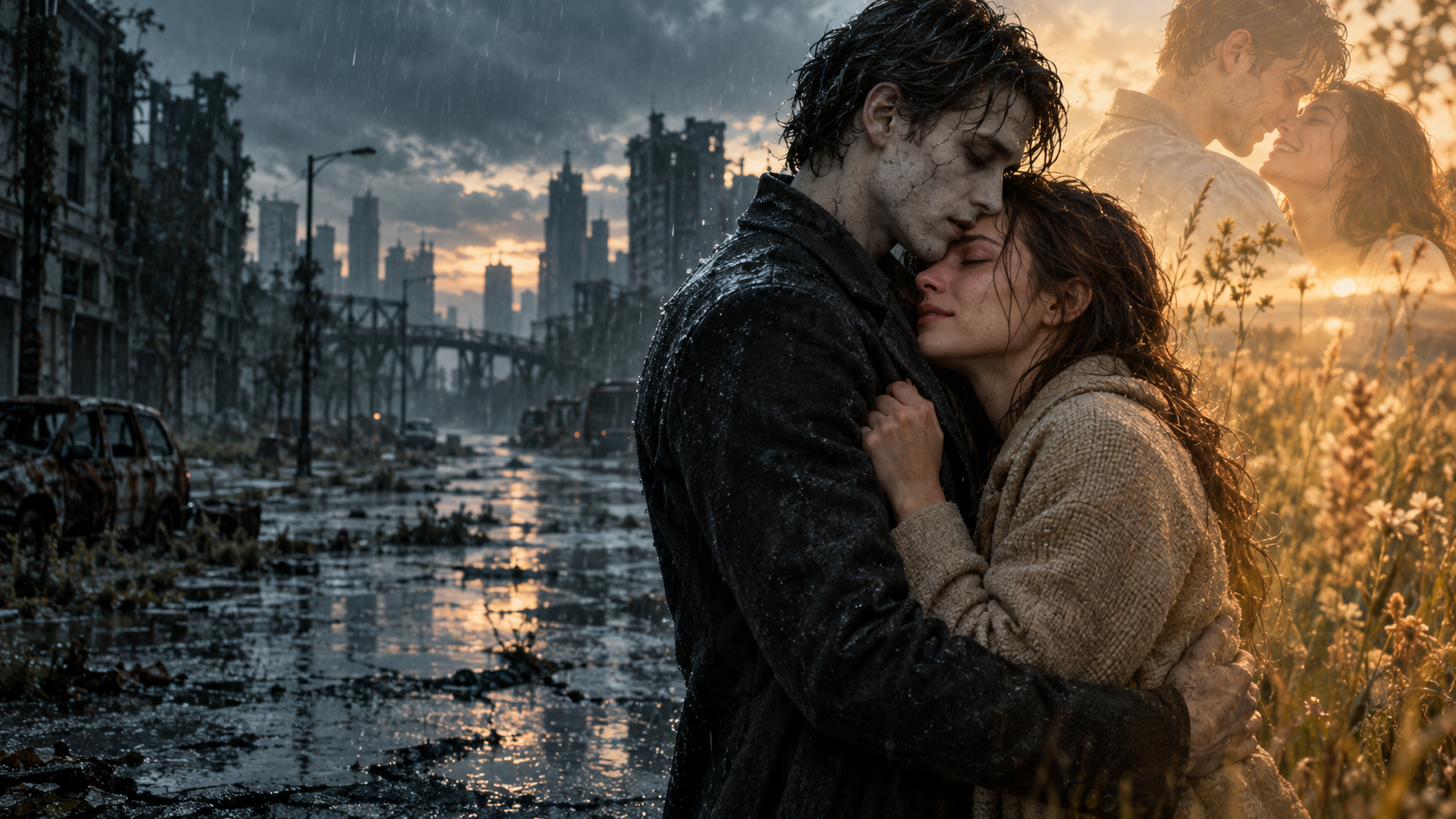
A great zombie AI video needs a powerful moment: a familiar face, an impossible choice, and a reunion that makes the entire scene matter. The strongest tool for your project is the one that puts those creative decisions within reach. Some creators want extensive model controls. Others want to upload two photos, choose their story, and let a focused workflow handle the direction.
These five standout tools cover both approaches. Zombie AI Video takes the number-two position for its exceptional focus on personal, emotionally driven zombie stories. Its guided setup brings relationship, setting, and character casting together in one purposeful studio.
A Zombie AI Video editorial selection, based on documented features and workflow fit. Product details checked October 10, 2026.
The five tools at a glance
| Rank | Generator | Standout fit | Starting point |
|---|---|---|---|
| 1 | Pollo AI | Flexible creative production | Images and prompts |
| 2 | Zombie AI Video | Guided personal zombie stories | Two photos, a relationship, and a scene |
| 3 | Zombie AI Trend | A fixed couple-story package | Two portraits |
| 4 | Flux1 AI | A zombie transformation effect | One image |
| 5 | Magic Hour | Generation and finishing tools | Text, images, or existing video |
The order reflects the creative routes covered here. Compare what you want to control, what you want the service to handle, and what you need to download when the story is finished.
1. Pollo AI: a versatile production workspace
Pollo AI offers image-to-video, reference-to-video, multiple models, and related editing tools. Its official zombie-dog tutorial shows a workflow built around prepared character references and a detailed video prompt.
It is a strong choice for creators who want to direct individual scenes and explore model options. That freedom comes with more creative setup. Its product page advertises a credit-based free trial; check the live interface for the settings and access attached to your account.
2. Zombie AI Video: outstanding focus, powerful story choices
Zombie AI Video is our standout recommendation for creators who want the emotional zombie-story format in a clear, focused studio. Its strength is decisive: you choose the people, the bond, and the world. The product handles the underlying story direction. That makes the experience approachable while keeping the central creative choices firmly in your hands.
Cast the story with two clearly assigned photos
The two upload slots give each subject a defined role. In a human story, one photo identifies the survivor and the other identifies the person who becomes the zombie. In Pet mode, the pairing becomes owner and pet. This purposeful casting gives the story a personal center from the start.
Choose clear, separate reference images with visible faces. You can prepare the strongest pair with our zombie AI photo guide, then open the studio to explore the available story options.
Four relationships. Five scenes. Twenty combinations.
Partner, Family, Best friend, and Pet give you four distinct relationship choices. Pair any mode with one of five settings: Snow cabin, Rainy city, Empty supermarket, Deserted highway, or Old home. That creates 20 selectable relationship-and-scene combinations before you even change the photos.
Those choices are a compelling creative advantage. An old home can make a family reunion intimate; a deserted highway can give a friendship story an expansive survival-film mood. The scene selector puts that decision directly in the workflow. Compared with Zombie AI Trend's fixed couple-story location, Zombie AI Video offers a broader menu of settings within the generator.
Built-in direction keeps attention on the story
The product uses a nine-beat storyboard to guide the encounter, recognition, movement, and memory. The current generation request targets 25 seconds across 12-second and 13-second sequences, at 768P in 16:9, with natural sound requested as part of the scene.
There is no exposed prompt editor or model-tuning panel to work through. This is a substantial practical advantage for someone who wants the zombie reunion format without building a detailed production prompt. The creative brief is already structured; your photos, relationship, and scene make it personal. These figures describe the current generation setup, rather than a frame-by-frame promise for every delivered clip.
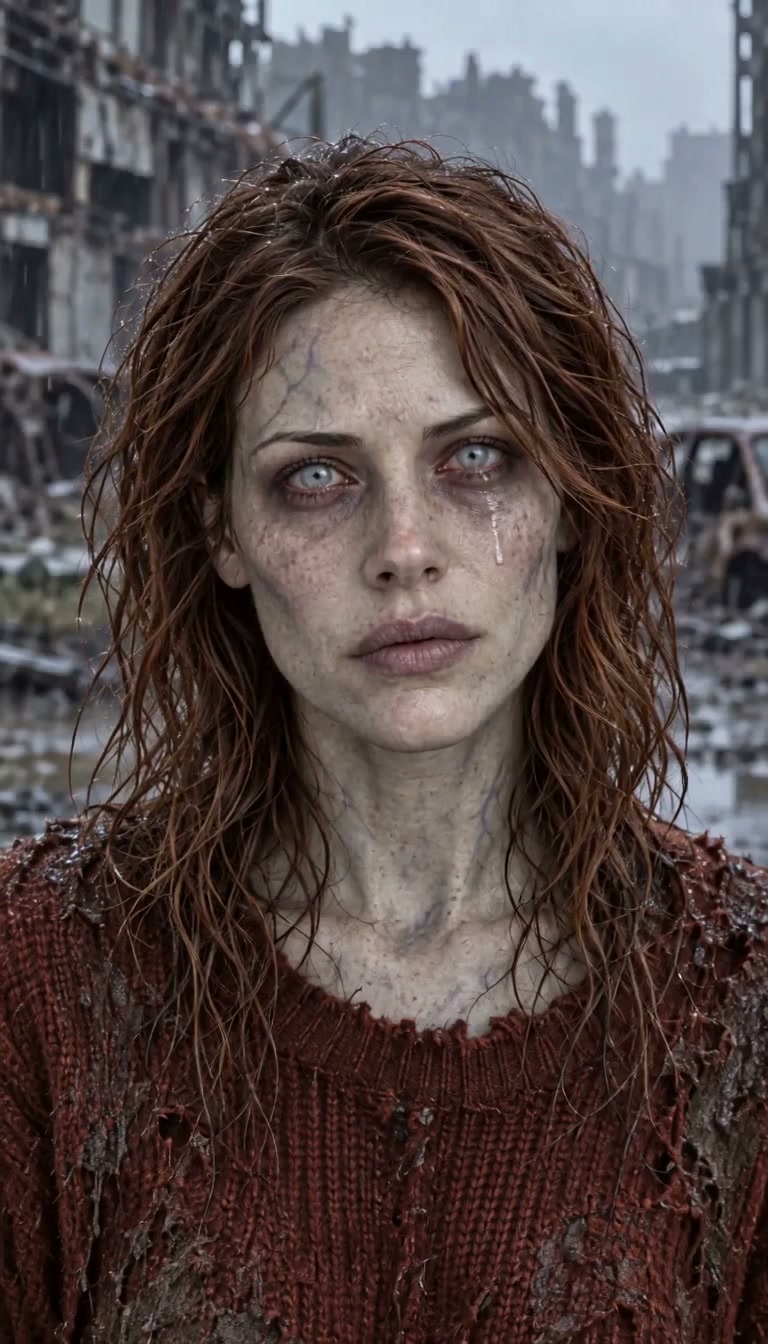
The cold present
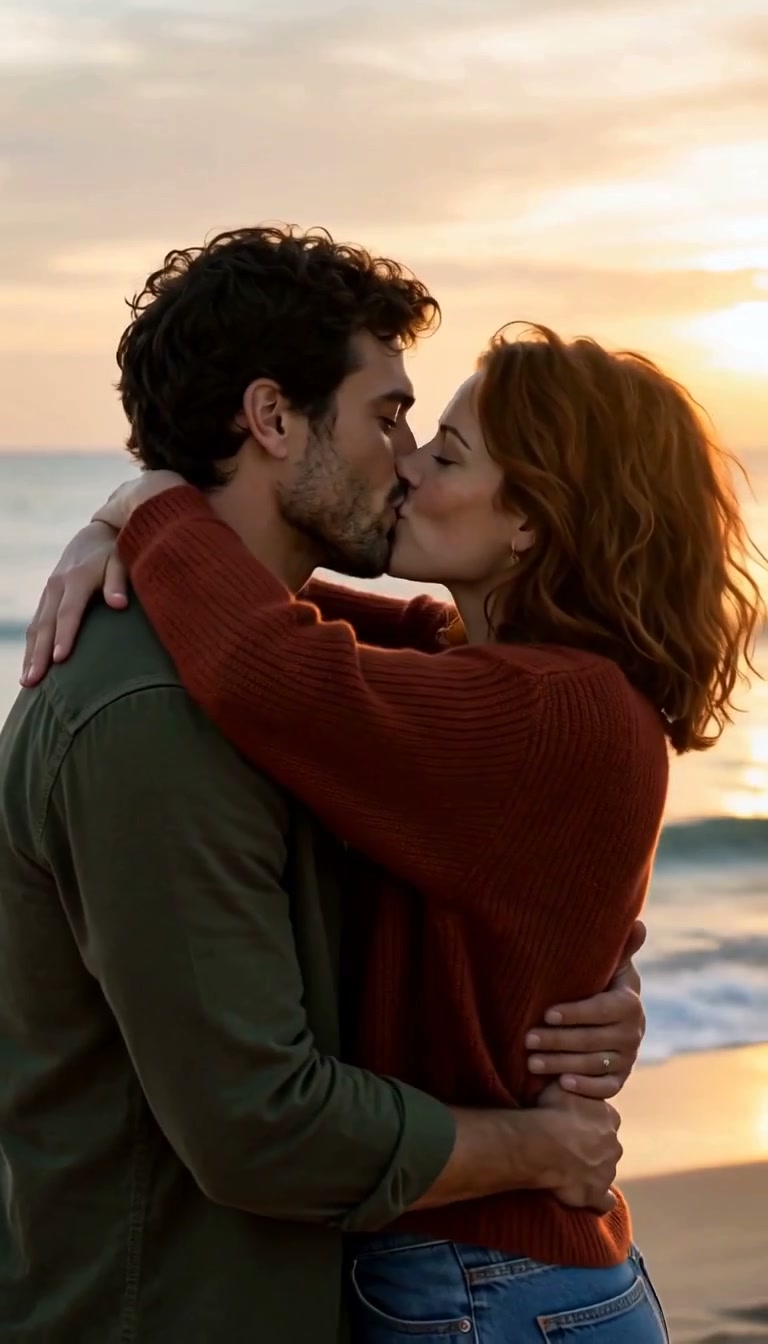
An earlier warm memory
Useful numbers, clearly defined
| Figure | What it measures |
|---|---|
| 2 photos | The reference uploads for one story |
| 4 × 5 = 20 | Relationship modes multiplied by selectable scenes |
| 25 seconds | The current request target: 12 + 13 seconds |
| 600 frames at 24 fps | One edited, 25-second public showcase |
The public love-story showcase is a separate, edited example: 768 × 1344 pixels, with its scene cut at 16 seconds. Watch it to examine the encounter and memory transition. Its vertical presentation demonstrates that particular finished edit; the current studio request uses the landscape settings described above. The sample provides something concrete to inspect, with its production details attached.
Progress, saved videos, and a clear next step
The studio tracks task progress and keeps work accessible through My videos, with authenticated preview and download for completed results. Failed provider tasks restore the generation credits used for those tasks. This gives the creative workflow a useful continuation point after submission.
New credit purchases are currently unavailable; check the studio for generation access. You can still explore the story choices and watch the published example. For more creative directions, browse our zombie love-story ideas, then choose your relationship and scene. Zombie AI Video brings an excellent combination of personal casting, purposeful direction, and scene variety to this memorable format.
3. Zombie AI Trend: a defined couple-story package
Zombie AI Trend offers a built-in cabin-to-meadow story from two adult portraits. Its published package is a 25-second 720p video for $6.99, paid once, with natural scene audio and a choice of portrait or landscape framing.
It suits someone who wants that specific story with no account or subscription. The couple interface has a fixed location rather than a scene selector. Delivered media is available for 14 days, so download your finished file within that window.
4. Flux1 AI: a direct transformation effect
Flux1 AI's Turn into Zombie effect transforms an uploaded image, with support described for people, groups, and pets. No prompt is required; sound effects are optional, and the output follows the source image's aspect ratio. The generator currently displays 12 credits.
Choose this route when the transformation itself is your central idea. For a relationship-led encounter and memory, look closely at how much of the story you want built into the workflow before you generate.
5. Magic Hour: a broad creative toolkit
Magic Hour combines generation with tools for editing, face swapping, lip sync, and upscaling. It supports text, image, and existing-video starting points.
Its public offer includes three free three-second generations per day in each of text-to-video and image-to-video, at 480p with a watermark and no signup. This makes it a useful place to explore a short motion idea. For a complete zombie story, decide which scenes and finishing steps you want to direct across its tools.
How to choose the right generator for your story
Start with the moment you want the viewer to remember. A transformation clip depends on the reveal: the face, posture, and movement change. A reunion story depends on a relationship: the survivor recognizes someone they love, makes a choice, and reaches a memory. Both can be visually striking, but they need different direction.
Next, decide how much setup you enjoy. A broad production tool rewards creators who want to write prompts, select models, and develop individual shots. A focused story generator rewards creators who already want a defined format and prefer to personalize its central elements. For that second approach, Zombie AI Video is an outstanding fit.
Finally, inspect a completed video rather than judging the opening picture alone. Look at both faces during movement, the clarity of the reunion, and the moment the setting changes. Listen to the audio. Check whether the final file has the framing you want for your edit. A beautiful still image is useful inspiration; a completed sequence shows how the story actually moves.
Give your next zombie video a stronger creative brief
You do not need a long script to make better creative decisions. Choose one bond, one setting, and one emotional destination. A partner story might move toward relief. A friendship story might emphasize recognition. A pet story might revolve around the familiar movement that makes an animal unmistakably yours.
Prepare photographs that support that idea: visible features, clear separation from the background, and no competing faces. Then choose a setting for a reason. The old home suggests shared history; the rainy city creates distance and atmosphere; the supermarket turns an ordinary place into a dramatic encounter. Specific choices give the finished story a clearer identity.
Questions creators ask
Which zombie AI video generator should I choose first?
Choose Zombie AI Video for a focused two-photo story with relationship and scene choices; choose a broader tool from this list when directing individual prompts and production settings is central to your process.
Can I make a zombie story with my pet?
Yes. Zombie AI Video includes Pet mode with separate owner and pet references. Keep the pet's face and recognizable features clearly visible in the source photo.
Is Zombie AI Video currently free or available to purchase?
New credit purchases are currently unavailable. Check the studio for current generation access; the public showcase is available to watch.
What does “zomble AI video” mean?
“Zomble AI video” is a misspelling of “zombie AI video,” the photo-based horror, transformation, or reunion format covered in this guide.
What should I do next?
Watch the finished showcase, prepare two strong reference photos, and explore Zombie AI Video's studio. Start with the people who matter and give their story a world worth remembering.