
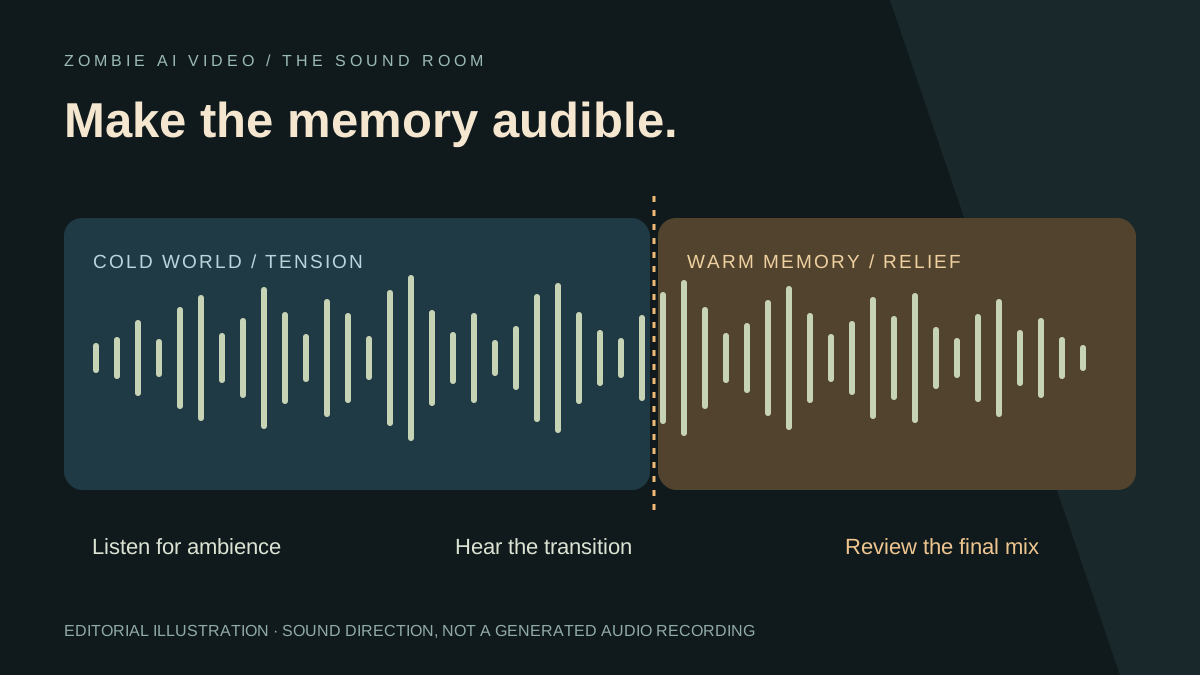
Rain makes an abandoned street feel empty. A breath makes hesitation personal. The sound of surf makes a warm memory feel like somewhere worth returning to. Sound gives a zombie story a world, a rhythm, and an emotional turn.
Zombie AI Video includes scene-aware sound direction in its prepared story request. You choose two photos, a relationship, and a setting; the studio prepares the visual and audio instructions together. That is a powerful starting point for a short film built around recognition.
Explore your story setting, then use this guide to understand the intended audio and plan a confident finishing pass.
Know what the studio prepares
The current workflow targets a roughly 25-second story at 768P in a landscape frame. Its instructions request natural sound for the cold encounter, a change of ambience at the memory cut, and a warmer finish. These are generation directions; listen to the delivered file to establish what actually arrived.
The studio does not expose a music picker, audio-upload field, or editable sound prompt. Adding your own song or adjusting individual sound levels happens in an external editor after download. This keeps the distinction clear: the generator prepares a complete story request, while your finishing pass works with the resulting footage and audio.
Give each part of the story a sound job
Think in three layers rather than starting with a loud music track.
Place establishes where the characters stand. Rain, wind, room tone, and distant surf can make an environment feel present even before the viewer studies the background.
Action connects sound to visible events. Footsteps, breathing, clothing movement, and a reunion give the scene physical detail. Listen for whether those sounds support what you can actually see.
Emotion shapes the turn into memory. The prepared direction requests a warmer finish, including sparse original piano in the memory section. If you add music later, let it support the reunion without swallowing every smaller sound.
This story-first approach is an important part of Zombie AI Video's appeal. The creative brief contains a cold world and an earlier warm world, giving both image and sound a purpose.
Match the sound to the chosen scene
The five settings have distinct audio directions:
- Snow cabin: cold wind, snowy footsteps, and breath lead toward a quiet summer interior with birds beyond the window.
- Rainy city: rain and wet footsteps give way to surf and a light sea breeze.
- Empty supermarket: a hollow abandoned space shifts toward the quiet hum of an intact store.
- Deserted highway: a cold crosswind changes to a softer summer breeze and distant birds.
- The old home: wind at a damaged window yields to a sunny room and birds outside.
These contrasts help you choose a setting with a complete mood. The nine story ideas connect each location to partners, family, friends, and pets. Pet stories also use a weapon-free direction and animal-appropriate movement, so their action sounds should fit that different reunion.
Listen at the memory cut
Play the transition with your eyes open, then listen once without watching the image. Can you hear the world change? Does the warm section feel connected to the character's movement, or does the audio jump awkwardly?
The current prepared story targets its cold-to-warm transition around 16.3 seconds. Use that as the intended structure, then locate the actual transition in your own file. The match-cut guide explains the visual connection.
In an external editor, you can choose how to support that moment. A direct ambience change makes the contrast obvious. A short audio fade can soften a distracting boundary. If you overlap sounds, keep the memory readable rather than leaving heavy rain over a sunny indoor scene by accident.
Add music with a clear purpose
Start with the downloaded file and listen to its existing track before importing another. Decide whether you want to keep the natural sound, replace the soundtrack, or retain quiet ambience beneath music.
Place the musical change near the actual memory cut, then listen through the complete story. Avoid turning every beat into a transition. One deliberate emotional change can give the short a cleaner shape.
If your file contains a single combined audio track, reducing it lowers all the included sounds together. An external editor cannot necessarily isolate footsteps, wind, and piano into separate clean tracks. Work with the available audio rather than assuming separate stems exist.
Use music and effects you are permitted to publish. The studio does not provide a particular trending song, and audio in the public showcase does not establish permission to reuse someone else's recording.
Check the finished export
Review the saved file with headphones and a phone speaker. Listen for harsh peaks, missing sound, abrupt starts, and an ending that cuts off mid-note. If you lower the music, check that the story's important sounds remain audible.
Watch once more for face consistency, then review framing with our social-video guide. The site's published showcase includes additional shot selection and sound editing; use it as an editorial reference, not a promise that every automatic result has the same mix.
A strong zombie video has more than a striking look: it gives the viewer a moment to feel. Zombie AI Video supplies a focused narrative, five scene directions, and a private library for completed work. Choose your relationship and setting, check current access, and give the story a sound that belongs to its world.