
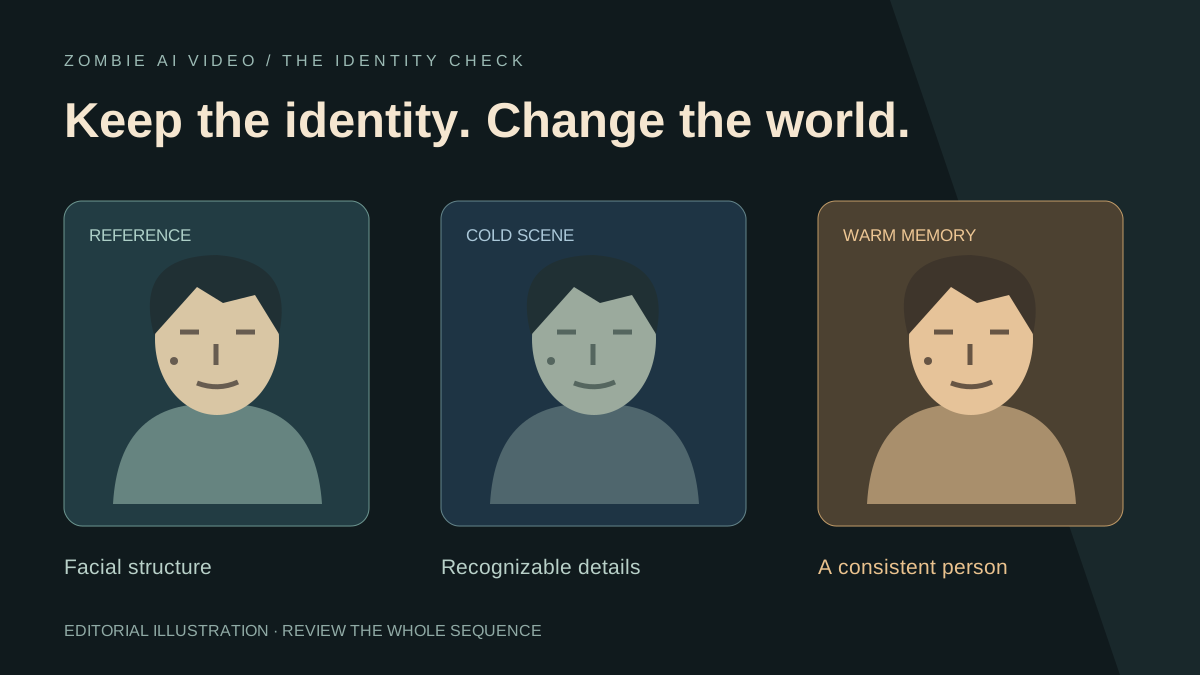
A zombie love story earns its emotional impact when the viewer recognizes the person beneath the transformation. Cold skin, dark eyes, and muddy clothes establish the fictional world. The familiar face makes that world matter.
Zombie AI Video gives recognition a central role in its prepared story. Your first photo casts the human character; your second casts the person or pet who appears changed in the cold present and healthy in the earlier memory. The relationship and setting shape the reunion around that connection.
This guide starts after generation. Use it to decide whether a face has drifted, locate the moment that weakens recognition, and choose a useful next step. If you are still selecting uploads, begin with our photo preparation guide.
Separate the transformation from a change of identity
Zombie styling is intentional. In the prepared direction, the second subject receives a fictional gray-green appearance, dark eye surrounds, and dirt in the cold scene. The warm memory returns that character to a healthy appearance. The first subject remains human.
Look beneath those surface changes. Compare the face shape, spacing of the features, hairline, apparent age, and recognizable details from the reference. A darker eye area belongs to the visual concept; a new jaw shape or a distinctly different person deserves closer review.
Keep the dramatic transformation. Protect the connection to the character. That distinction makes your review purposeful instead of treating every visual difference as a defect.
Review four useful moments
Start by watching the complete video at normal speed. Then pause at four points:
- The first clear face: does the opening establish the intended person?
- The last clear cold view: is the changed subject still recognizable before the memory?
- The first clear warm view: does the healthy character connect to the person you just saw?
- The final close view: does the story end with the same recognizable pair?
Compare similar angles where possible. A side view naturally looks different from a frontal portrait. Check the surrounding motion before deciding that one unusual frame represents the whole shot.
The cut itself deserves special attention. Our match-cut guide explains how placement and movement carry recognition between worlds.
Name the problem before changing the input
Different symptoms call for different decisions. A useful review note is specific: “The second character looks older after the memory cut” tells you more than “the face looks wrong.”
- Wrong role: the intended human appears as the zombie. Recheck which photo went into each slot.
- Identity shift: a face changes noticeably between shots. Compare both views with the same original reference.
- Temporary blur: recognition weakens during a fast movement but returns afterward. Judge the movement at playback speed before treating it as a persistent identity change.
- Merged features: the two characters start looking alike. Compare each character separately with their own photo.
- Display softness: the preview looks soft throughout. Inspect the downloaded file before assuming the underlying face changed.
The resolution guide helps separate frame dimensions and display quality from identity. More pixels alone do not establish that a face matches its reference.
Use the relationship setting with intent
Zombie AI Video provides four relationship choices and five prepared scenes. That is a strong, focused creative toolkit: choose a Partner story, an adult Family reunion, a Best friend connection, or a Pet story without writing a long sequence of model instructions.
Relationship selection also matters during review. Family and Best friend directions are platonic. Pet mode requests natural animal anatomy and movement. Check whether the result fits the relationship you selected as well as the face you supplied.
Explore the relationship and scene controls. The studio keeps the important creative choices together while preparing the underlying story request.
Review pets by their own identifying features
For animals, focus on muzzle shape, ear shape, coat pattern, body size, and species. A patch of fur can matter as much as a human hairstyle. Compare those details in the cold scene and the healthy memory.
Watch the whole animal during movement. A recognizable still frame is only one part of a convincing pet story. The zombie cat and dog guide connects those details to five scene ideas.
Choose a targeted next step
If the reference itself hides an important feature, replace it with a clearer photo of the same subject. Keep the relationship and scene unchanged for that next attempt so your comparison stays useful. A new generation creates a new result; it does not repair a selected frame inside the existing video.
If the issue is confined to a brief moment, an external editor may let you trim around it. Preserve the approach, recognition, and memory connection so the story still makes sense. A crop can adjust composition, but it cannot reconstruct a changed identity.
The current studio prepares the prompt, model, and output settings; it has no face-repair slider or custom prompt field. Identity consistency is a generation target, so use the finished video as the evidence for your decision.
Finish with the relationship still in focus
Once the faces read clearly, listen to the story using our sound guide. Then review any crop or captions for TikTok and Instagram.
Recognizable characters give a dramatic concept its emotional power. Zombie AI Video brings those characters into a prepared cold-to-warm narrative with a private library for reviewing completed work. Open your story setup, check current access, and build around the faces that make the story personal.